

Valheim Server Hosting
Zero Lag. 3-Minute Setup. Console/PC crossplay
BepInEx & 1-click mods, FTP, backups, DDoS protection, best servers in North America, EU, the UK, and Australia.
Grab your clan, sail, and conquer from Meadows to Ashlands on your own Supercraft server
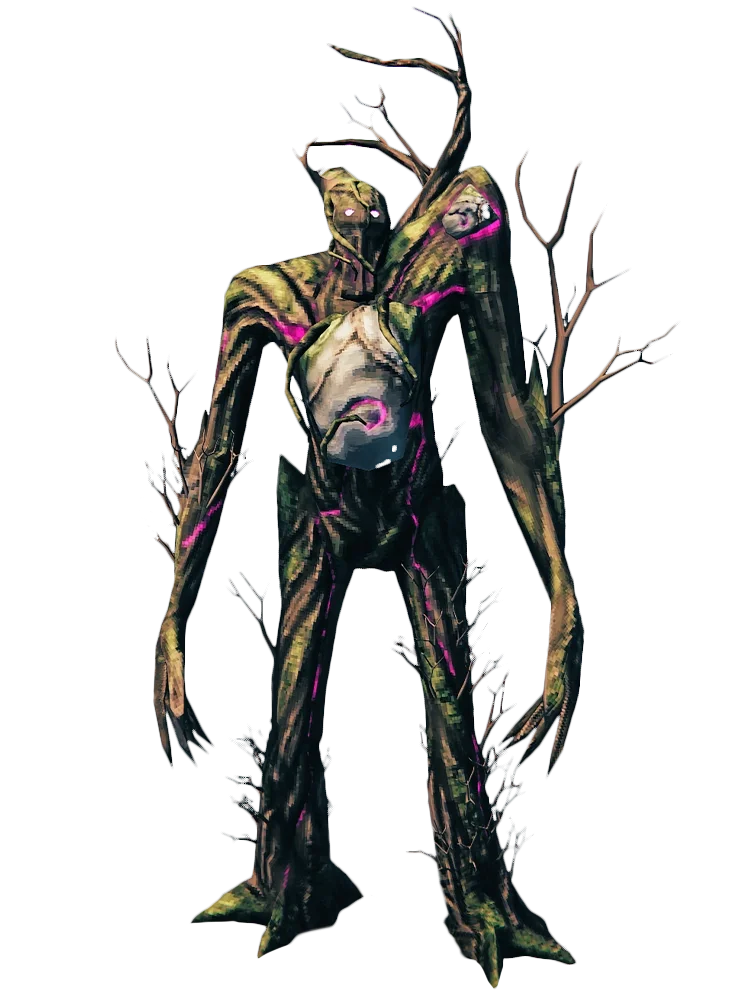
- Players5
- CPU Priority3
- ModsNo
- Beta/unstableNo
 Get Started

- Players10
- CPU Priority2
- ModsYes
- Beta/unstableYes
 Get Started
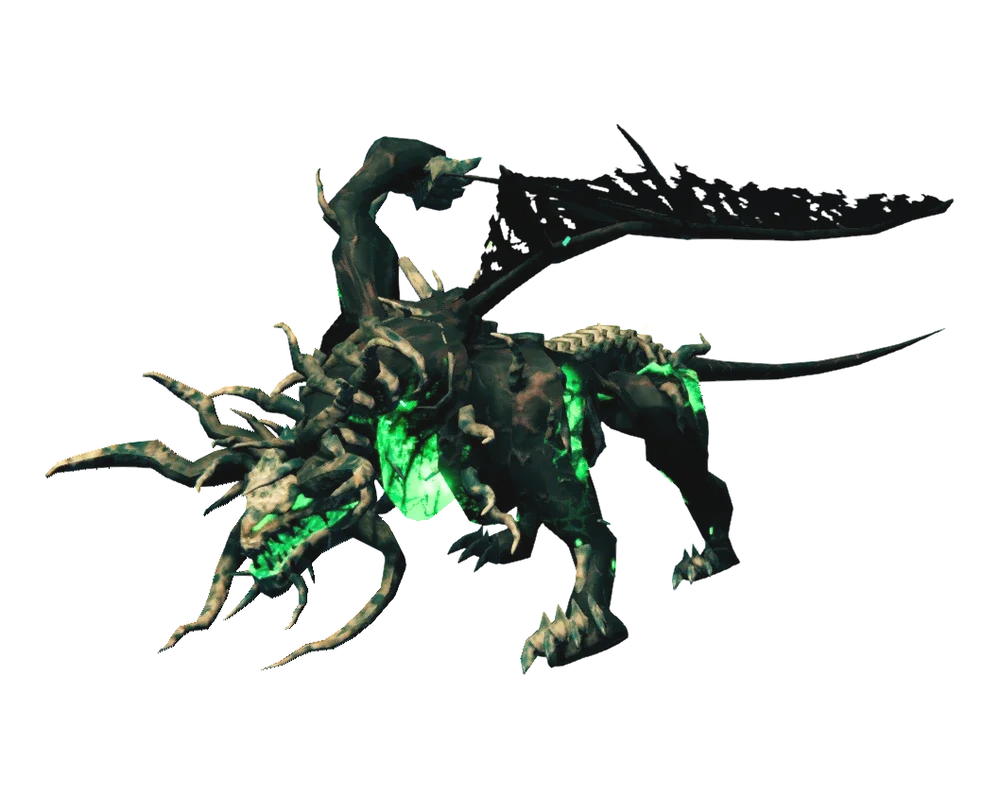
- Players30
- CPU Priority1
- ModsYes
- Beta/unstableYes
 Get Started
How to Choose the Right Server Hosting Plan
S - Starter
The gameplay on the server is optimized for those who are looking for a solid, stable basic hosting for a small clan running vanilla Valheim.
M - Most popular
At a great price, you receive a fast and stable server. Configuration is ready for larger crews and modpacks. BepInEx + Thunderstore mods are pre-installed and beta branches are available. For most players, this is the best option.
L - Power
The ideal option for larger clans and experienced modders. With this plan you can go beyond casual player limits and run heavy mod packs like Epic Loot or Therzie's Wilderness. Our support team will also help you align mod versions and configs.
| Feature | S | M | L |
|---|---|---|---|
| Player slots | 5 | 10 | 30 |
| Xbox + PC crossplay | Yes | Yes | Yes |
| CPU priority | 3 | 2 | 1 |
| BepInEx + Thunderstore mods | No | Yes | Yes |
| Mod setup assistance from support | No | No | Yes |
| Beta / unstable branches | No | Yes | Yes |
| Automatic daily backups | Yes | Yes | Yes |
| 17 Tbit/s DDoS protection | Included | Included | Included |
| Custom world seeds | Yes | Yes | Yes |
| FTP / SFTP access | Yes | Yes | Yes |
| Discord webhook (start / stop / join / leave) | No | Yes | Yes |
| Scheduled restarts | No | No | Yes |
| Free region change | Yes | Yes | Yes |
| World import (.db/.fwl) | Yes | Yes | Yes |
| Support priority | Standard | Standard | Priority |
| Pick your plan | |||
 Pick your plan
Valheim server hosting is a dedicated server service that keeps your world online 24/7 without using your own PC as the host. A hosted Valheim server runs world simulation, structural integrity, and autosaves on dedicated hardware while your clan connects from anywhere - full crossplay across PC, Xbox, PlayStation, and (from the 1.0 launch on September 9, 2026) Nintendo Switch 2. Supercraft runs Valheim on fast NVMe-backed nodes across five global regions with 17 Tbit/s DDoS protection and automatic daily backups included. You can launch in minutes, import an existing world (.db/.fwl), and manage everything from a simple control panel. For modded play, BepInEx is pre-installed and Thunderstore mods install in one click; upload custom packs via FTP, and roll back fast with snapshots if a Valheim patch breaks your mod stack.
Optimized Valheim performance & backups
We tune Valheim servers for steady tick rates during raids, large base builds, and Mistlands exploration. NVMe storage and modern CPUs keep save writes quick, and automatic snapshots let you roll back fast before a corrupted mod, griefing, or an accidental world wipe ruins progress. Free cross-region transfers let you move closer to your clan without resetting the world.
Mod-friendly Valheim hosting (BepInEx + Thunderstore)
BepInEx is pre-installed and Thunderstore mods install from the panel in one click - no zip juggling, no version guessing. We support Valheim Plus, Epic Loot, Therzie’s Wilderness, Jotunn-based mods, and anything else on Thunderstore. Bring your own pack? Upload it via FTP/SFTP and restart from the panel. Mods stay live across restarts, and our team patches the launcher when Thunderstore changes its API. When a major Valheim patch lands, pin your BepInEx + Jotunn + mod versions first to avoid the typical mod-compatibility lag.
Live ops tools built in
See who’s online at a glance with the panel’s live player list, and wire up a Discord webhook so server starts, stops, crashes, and join/leave events post straight to your clan’s channel - no extra bot to run. Set scheduled restarts so your world refreshes overnight with in-game warnings before each window. Custom world seeds, RCON, and admin lists are all configurable without a panel form gating you.
Available regions: US West (Oregon), US East (Virginia), US North-East (Toronto), Europe West (Paris), Australia (Sydney).
How much does Valheim server hosting cost in 2026?
Valheim hosting costs depend on how many players you want to support, how mod-heavy your world is, and how much building and exploration your clan does. Supercraft plans start from $799 per month, with discounts on longer billing cycles shown in the plan selector above. Most small clans start on Plan S (vanilla, up to 5 players) or Plan M (BepInEx + Valheim Plus, up to 10), then scale up later without wiping: increase slots in the panel, restart, and keep the same world. Industry pricing across hosts runs roughly $10-$16/mo for small clans, so Supercraft sits at the lower end at the entry tier and stays competitive as you scale. Hosting value is driven by RAM for big builds and Mistlands, CPU priority for stable tick rate during raids, and fast NVMe storage for autosaves and snapshot restores.
Running a larger clan or want a fully managed box of your own? See our Valheim dedicated server hosting. Comparing value across providers first? Our best Valheim server hosting rundown ranks the options.
2-Day Money-Back Guarantee
Not happy in the first 48 hours? Cancel and get a refund - no questions, no forms. Spin up a world with your clan and only keep it if it’s the right fit.
After the refund window your plan stays month-to-month. Cancel any time from your account - no contracts.
Safe Payments
Checkout is handled by PayPal and Stripe with full PCI-DSS compliance. We never see or store your card details. Apple Pay and Google Pay work out of the box on supported devices.
Why Valheim players pick Supercraft
BepInEx + 1-click mods

BepInEx is pre-installed and Thunderstore mods install from the panel in a click - no zip juggling, no version guessing. FTP/SFTP access stays open for custom mod packs and config tweaks when you need them. We support Valheim Plus, Epic Loot, Therzie's Wilderness, Jotunn-based mods, and anything else on Thunderstore.
Mods stay live across restarts, and our team patches the launcher when Thunderstore changes its API.
Xbox + PC crossplay

Dedicated servers join the same pool as Steam and Xbox players. Crossplay configs are included so vikings on either platform raid the same world without extra setup. Easy but complete config panel means you control world seed, raid difficulty, and admin lists without a panel form gating you.
5 regions

US West (Oregon), US East (Virginia), Toronto, Paris, and Sydney - pick the closest to most of your players.
DDoS protection (17 Tbit/s scrubbing) and automated daily backups are included on every plan.
Setting up your Valheim server: first-day checklist
Setting up a Valheim server is mostly about making good choices before your clan joins. World seed, mod stack, restart policy, and backup discipline all matter more than shaving a minute off the install.
Decisions to make before launch
- Who is this for? A private clan server can prioritize convenience. A public or long-running world needs more conservative settings and tighter backups.
- Vanilla or modded? Decide whether you’re running BepInEx + Thunderstore mods (Valheim Plus, Epic Loot) from day one, or starting vanilla and adding later. Pin your mod versions before any major patch.
- Which platforms? Crossplay lets Xbox, PlayStation, Switch 2, and PC vikings share one world - Valheim 1.0 (Deep North, September 9, 2026) brings full crossplay across every platform. Enable it before you invite players so nobody is locked out.
- Which seed? Scout a world seed with healthy Ashlands and Deep North placement before committing your clan to it, then apply it in the panel before first boot.
First-day setup checklist
- Create the world, set the name, password, and public/private visibility, and apply your chosen seed before first boot.
- Confirm crossplay is enabled if any of your clan plays on Xbox or PlayStation.
- Join the server yourself and verify spawn, portals, and base placement all work normally.
- Enable backups before you start experimenting with heavy mod packs or large builds.
- Publish simple clan rules for raids, build spots, and scheduled restart times.
Three early mistakes to avoid
- Launching on default settings you have not actually reviewed.
- Inviting your clan before testing reconnects, restart behavior, and world-save creation.
- Installing a heavy mod pack without pinning versions, then losing it to the next Valheim patch.
Prefer to self-host for comparison? You would install SteamCMD, run
+app_update 896660 validate, edit start_server.sh with your world name and
password, forward UDP ports 2456-2458, and watch the logs for connection errors. It works - but you give
up managed daily backups, DDoS protection, and one-click mods, which is why most clans run hosted Valheim
servers instead.
Latest Valheim guides & news
Big clan, heavy mods, or a persistent 10-player world? Our dedicated Valheim server hosting gives you a full managed machine instead of a shared slot, with the CPU headroom large worlds need.
$5 vs $10 vs $20 vs $40 tiers explained - what each plan actually gets you, per-player ratios, and the hidden costs to watch.
What to expect from the Deep North update and future expansions.
Keep your world safe with our guide to automated server backups.
Essential tips and tricks for new and veteran vikings alike.
Constructing and using the food prep table for better stats.
Details on the latest bug fixes and performance improvements.
Step-by-step server config for PS5 + PC crossplay, including the patch-version compatibility nuances.
What changed for dedicated servers in the anniversary patch - content, balance, and admin-side gotchas.
File paths, world+character file pairing, and the safe migration workflow when moving worlds between hosts.
If your character lost gear after a server restart, here's the order of operations to recover from save snapshots.
Save-file edit walkthrough for renaming a character without resetting progress.
Common dedicated-server failure modes (port conflicts, password rejection, character desync) and the diagnostic order.
It’s easy to get started
Follow these quick steps to launch your dedicated game server with Supercraft.
Choose your plan
Select the best option for your needs
Create account
Or login if you have one
Make payment
Choose one of our secured payment methods
Select your region
Choose the closest location for the lowest ping
Install the game
Game will run automatically after installation
Connect!
You will have the port and IP in the management panel
Launch with a ready-made Valheim setup
Skip the config. Pick a preset and your new server boots preconfigured — mods, rates and rules already dialed in. Change anything later in the panel.
Valheim Crossplay — Passive Mobs
1 installCrossplay preset with the passive-mobs world modifier — creatures do not aggro unprovoked. Great for mixed-sk…
Valheim Crossplay — Scheduled Restarts
5 installsCrossplay-enabled server (Steam + Xbox/PC Game Pass) with a nightly restart window for stability. Use when yo…
Valheim Portal-Friendly Co-op
2 installsConvenience-focused preset with casual portal rules — carry any item through any portal. Keeps exploration so…
Browse community Valheim servers
See live player counts, mods and rules from servers our customers run on Supercraft. Pick a server to join - or rent your own and list it the same way.
See live Valheim serversFrequently asked questions
- Install or update SteamCMD:
sudo apt update && sudo apt install steamcmd - Create a folder, then install:
steamcmd +login anonymous +force_install_dir ~/valheim +app_update 896660 validate +quit - Edit
start_server.shwith your world name, password, and public/private setting. - Forward ports 2456-2458 UDP and run the script. Watch logs for connection errors.
Ready to launch your Valheim server?

Why choose Supercraft as your next dedicated server hosting provider?
Core benefits of our dedicated game server hosting: resilient network, fast hardware, admin control, simple mods, and responsive support.
DDoS protection
Best attack protection with 17Tbit/s filtering capacity
Full control
Get full access to all options, browse logs, and use the admin console.
Best hardware
Our services run on high-clock multi-core CPUs with NVMe storage and generous RAM allocations.
Lightning-fast network
Game experience free of lags and glitches; recent Trustpilot reviews note steady low ping across regions.
Configuration for experts
Advanced administration options allow you to fine-tune your game experience. FTP and RCON.
Safe Payments
We use only trusted payment gateways: PayPal and Stripe, and we never process credit card information directly.
Mods & Maps easier than ever
With our custom panel, mods install in one click through each game's native mod ecosystem. Depending on the game that means Steam Workshop, Thunderstore, Satisfactory Mod Manager, Factorio Mod Portal, CurseForge, Vintage Story Mod DB, or a direct .zip upload.
Backups & scheduled restarts
Automatic snapshots of your world plus configurable scheduled restarts keep your server healthy without lifting a finger.
AI Server Doctor
Our built-in AI Server Doctor reads your logs and config to diagnose crossplay, connection, and setup problems, then offers one-click safe fixes. Diagnosis credits are included with your plan, on every supported game.
24/7 Support
Send us an email, use our online form, or reach us directly on Discord to get fast help; players often receive answers within minutes.
Available Regions
We also run Palworld server hosting and Satisfactory server hosting if your clan rotates survival worlds.